Access follows responsibility
Aurao is designed so people can only see and do what their workspace, location, role and record permissions allow.
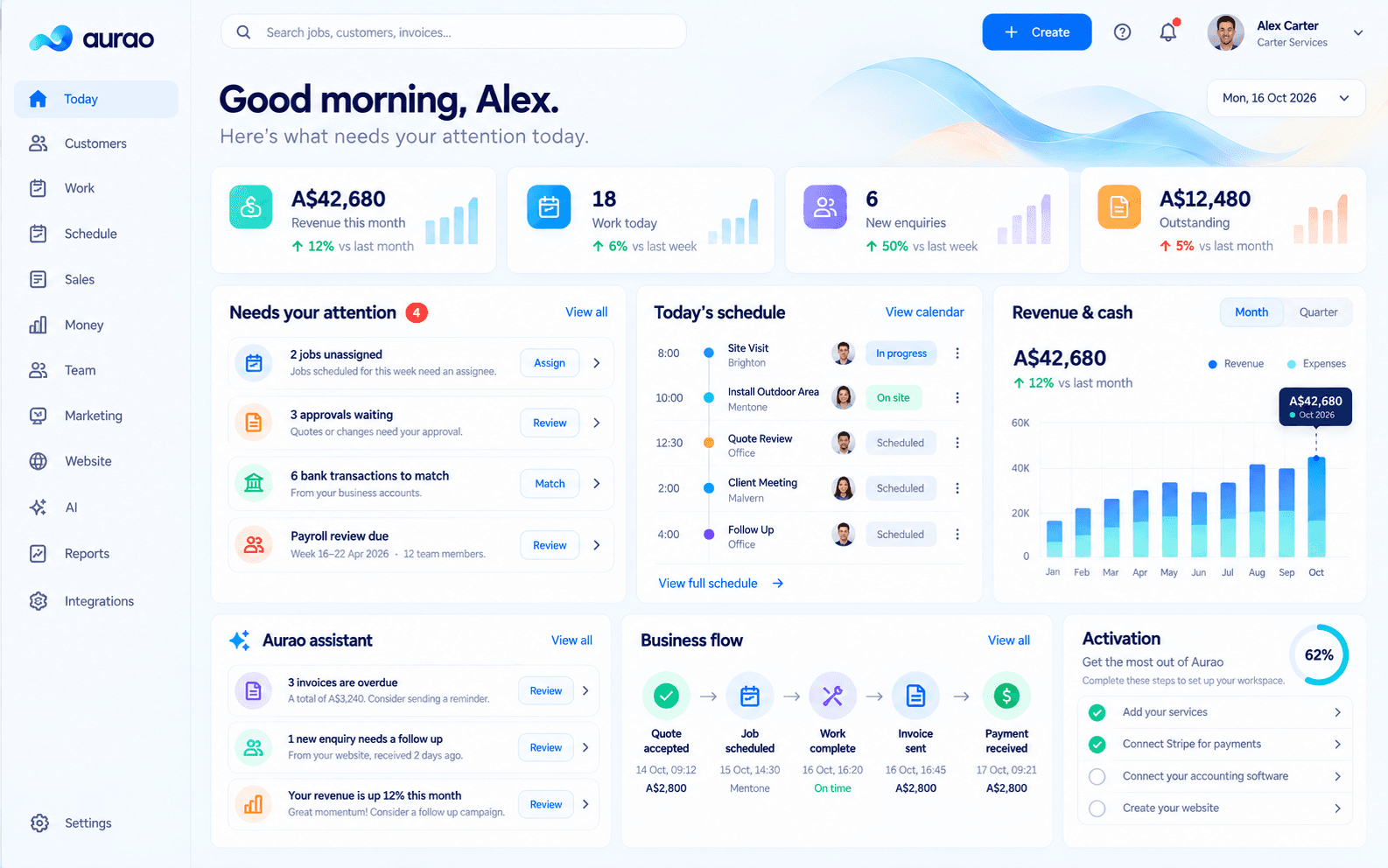
Security follows the way a real team is organised.
Every request is evaluated against the signed-in user, their workspace and the role or record access they have been given. Hiding a button is not treated as permission control: sensitive actions and data boundaries are enforced on the server, including copied links and API requests.
Operational resilience matters too. Aurao records material activity, monitors runtime health and maintains encrypted backups with an offsite recovery copy. Provider credentials are kept outside customer-visible screens, while external users receive deliberately limited portal access rather than staff access.
Workspace administrators remain responsible for reviewing invitations, removing access when roles change and choosing which portal capabilities external users receive. Aurao supports that responsibility with scoped sessions, expiring or revocable links where appropriate, secure response headers and visible configuration status for connected services.
Powerful underneath. Calm on the surface.
Every area uses the same business identity, access rules, activity history and connected records. That keeps the experience familiar as your needs grow.
No dead ends and no mystery actions.
Routes, permissions, empty states, validation and recovery paths are treated as product features—not afterthoughts.
See how Aurao fits your business.
Start with a guided setup and go directly into the workspace.